
Enterprise Portal Development
Business, employee, partner and customer portals with role-based access and practical workflow features. InitSky supports portal interfaces, forms, dashboards, document handling and integration with existing systems.
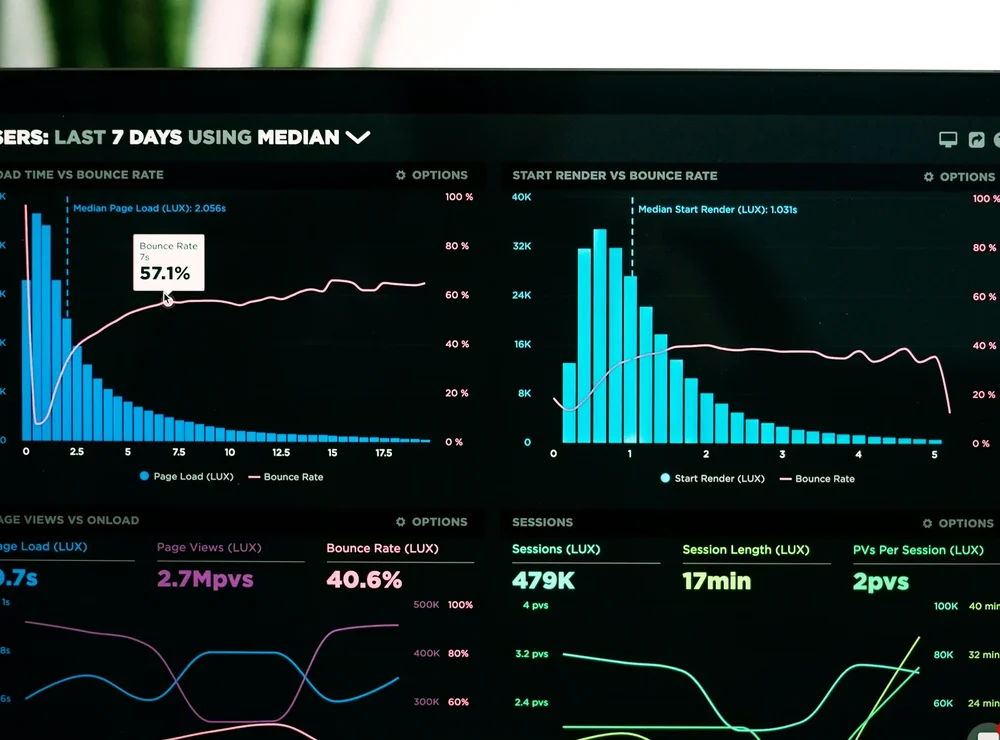
Useful portals organise work, not just navigation links.
An employee portal, partner area or customer workspace may involve forms, documents, permissions, dashboards and existing business systems. The priority is a clear information architecture, well-defined roles and practical integration paths that staff can support over time.
Technology capabilities with clear purpose.
From initial configuration to ongoing operations, every decision should serve the way the system is actually used.
Employee and partner areas
Present relevant information and actions to the right group of users.
- Role-specific navigation
- Document and announcement areas
Forms and workflows
Simplify requests, submissions and status tracking with useful feedback.
- Approval and review steps
- Notifications and task visibility
Operational dashboards
Show a small set of meaningful metrics and exceptions without clutter.
- Status and responsibility views
- Export and reporting requirements
Existing-system integration
Connect portal functionality to authorised APIs or data sources.
- Identity and access mapping
- Integration and error handling
The details that shape a stable implementation.
These elements influence the design, security and maintenance of a working environment. We assess them in the context of the application, people and infrastructure involved.
Roles and permissions
Separate navigation visibility from true server-side authorisation; enforce access on every protected operation.
Data and document flow
Define source-of-truth systems, retention, upload controls and version handling.
User experience and performance
Optimise frequent workflows, searches and approvals for desktop and mobile use.
Operations and change
Document ownership, configuration, audit trails and support processes for evolving portal requirements.
Real business requirements, practical solutions.
Typical starting points depend on the existing setup, business goals and what is feasible to support.
Employee workspace
Centralise announcements, requests and operational links with role-based access.
Customer portal
Allow customers to see status and submit relevant information without calling support for each update.
Partner collaboration
Provide controlled document exchange and progress visibility to external partners.
Useful technology needs clear ownership.
These checks help turn an initial setup into something a business can rely on over time.
Confirm who can see and change each data item.
Record meaningful changes and approvals where required.
Avoid uncontrolled duplicate records.
Make priority tasks easy to find and complete.
Questions worth answering before you begin.
Practical details to consider when selecting, deploying or maintaining Enterprise Portal Development.